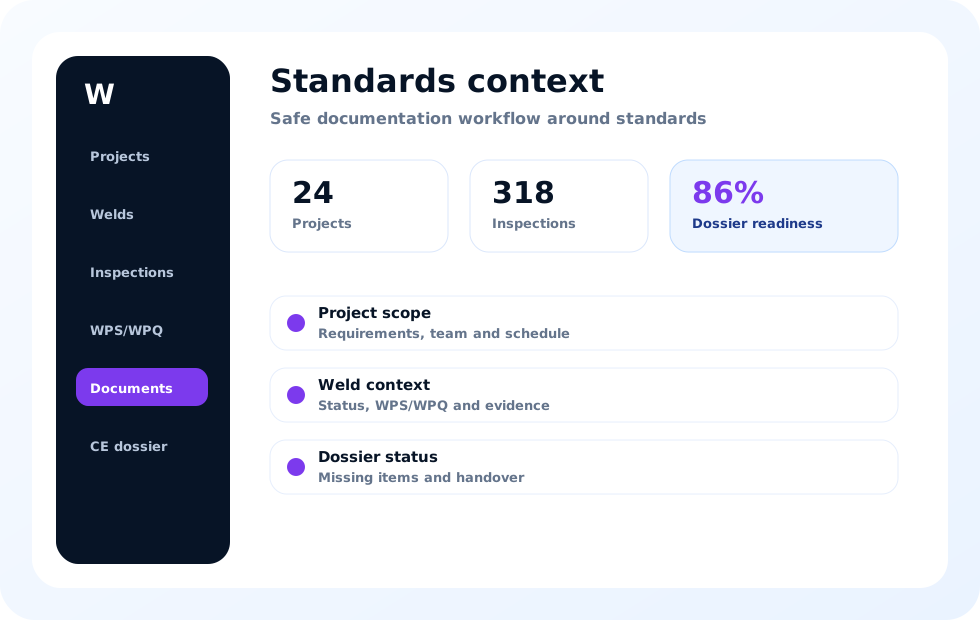
Procedure context
A procedure document has limited value when users cannot tell where it applies. Project and weld links make the intended context easier to review. The applicable requirements and technical suitability remain subject to qualified assessment.
For procedure documentation in context, the value lies in the relationship between execution, evidence and responsibility rather than in an isolated screen. The team can retrieve source records, discuss open questions and record who performs follow-up or review under the approved procedure.
Weld qualification references
Qualification references can be organised alongside the records that depend on them. This helps teams find the supporting context during inspection and documentation review. It does not replace validation of scope, validity or personnel competence.
The practical benefit appears when field and office roles use the same current project information. Inspectors, QA/QC and welding coordinators no longer need to reconstruct context from folders and messages, while each role keeps its own technical responsibility.
Linking WPS/WPQR to weld records
A weld register creates the practical connection between planned work and procedure documentation. Users can navigate from a weld to related references without searching several folders. Changes and missing links become more visible to the responsible team.
A recognisable status supports planning, but notes, documents and evidence remain necessary for careful review. WeldInspect Pro keeps those elements together and leaves the appropriate conclusion or next action to the authorised user.
QA/QC and welding coordinator workflow
QA/QC needs access to current records while welding coordinators retain responsibility for technical oversight. A shared platform can reduce duplicate registers and unclear document handoffs. Roles remain explicit instead of being replaced by software rules.
Maintaining this area during execution reduces the history that must be rebuilt for reporting or handover. Missing relationships and open questions become visible earlier, allowing them to be addressed through the organisation’s existing quality process.
Document review
Reviewers can check whether expected references and evidence are present in project context. Open questions can be followed before reporting and handover. Official documents and approved procedures remain the controlling source.
The project structure supports collaboration without blurring responsibilities. Users can view the same facts and relationships, while technical acceptance, document release and formal decisions remain explicitly assigned to the appropriate people and organisations.
From procedure library to project use
A document library becomes more useful when it supports project selection and traceability. Teams can distinguish general availability from actual use on a weld record. That distinction supports clearer internal review.
This approach makes the difference between available, reviewed and completed information easier to see. A present file is not automatically suitable, and a completed record is not automatically formally accepted; those distinctions remain visible for review.
Frequently asked questions
Procedure terminology and responsibilities can vary between organisations. These answers focus on connected documentation rather than formal qualification decisions. A demo can be used to map the workflow to existing controls.
During a demo or trial, the team can compare this workflow with current practice. Roles, approved procedures, reporting needs and evidence handling provide a more useful evaluation than a general feature list.
Implementation within an existing quality process
A practical implementation starts with roles, project structure, weld identification and the moments at which inspection records are reviewed. Existing forms and reporting needs can be compared with the digital workflow before a wider rollout. A limited first project group helps the organisation make status, evidence and follow-up conventions explicit.
For procedure documentation in context, the value lies in the relationship between execution, evidence and responsibility rather than in an isolated screen. The team can retrieve source records, discuss open questions and record who performs follow-up or review under the approved procedure.
What to evaluate during a demo and trial
Review more than the speed of data entry; check whether another team member can understand the record later without extra explanation. Confirm that photos, documents, open actions and responsibilities remain recognisable beside the correct weld. Include inspection, QA/QC, welding coordination and documentation roles so the full handover chain is evaluated.
The practical benefit appears when field and office roles use the same current project information. Inspectors, QA/QC and welding coordinators no longer need to reconstruct context from folders and messages, while each role keeps its own technical responsibility.
WeldInspect Pro supports documentation workflows around relevant standards. Official standard texts, certification, qualified review and formal conformity decisions remain leading.